Hold the touchscreen button for 3 seconds to activate the UV camera and visualize sunscreen coverage.
Briefly press the button to turn on the light and adjust brightness levels for optimal visibility. Simply close the device to turn off all functions.
1. Always make sure you have a clean, makeup, oil-free canvas to visualize with your Analyzer for best results.
2. Activate the UV camera by holding the touchscreen button for 3 seconds.
3. Examine the dark spots visible on the screen to detect current damage or monitor improvements with regular use of sunscreen and skincare products.
How To Ensure Seamless Sunscreen Application
1. Turn on the UV camera.
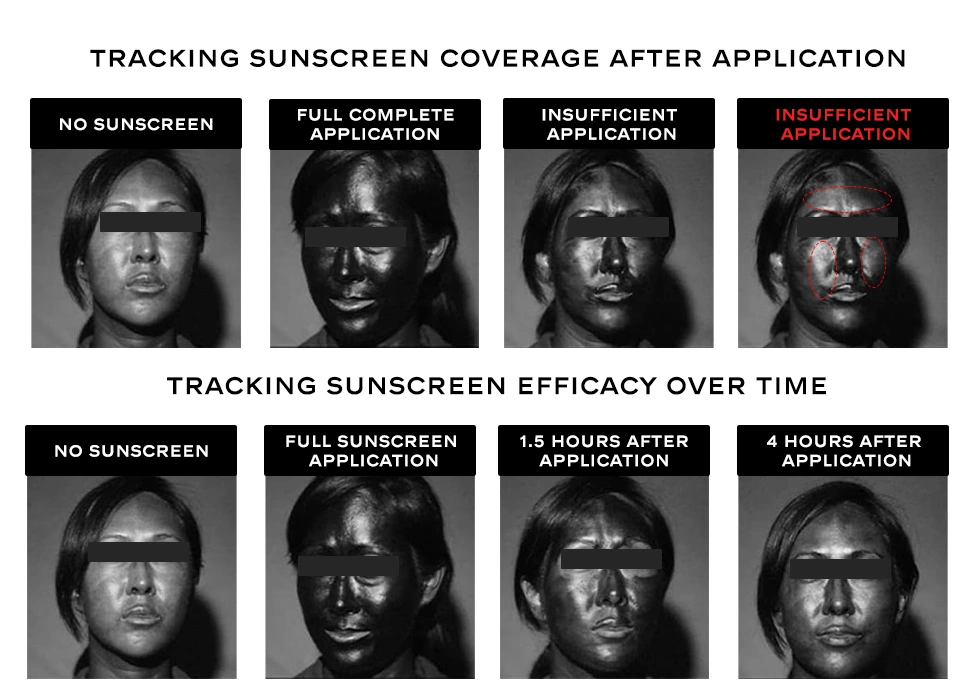
2. Apply sunscreen while observing coverage in real-time.
★ Black areas on the screen indicate protected skin.
★ Light grey areas show unprotected zones needing additional sunscreen.
3. Achieve optimal coverage by ensuring all areas appear dark after sunscreen application.
How To Check SPF Makeup or Sunscreen Removal
1. Use the UV camera after cleansing to identify leftover sunscreen or SPF-infused makeup to ensure complete removal.


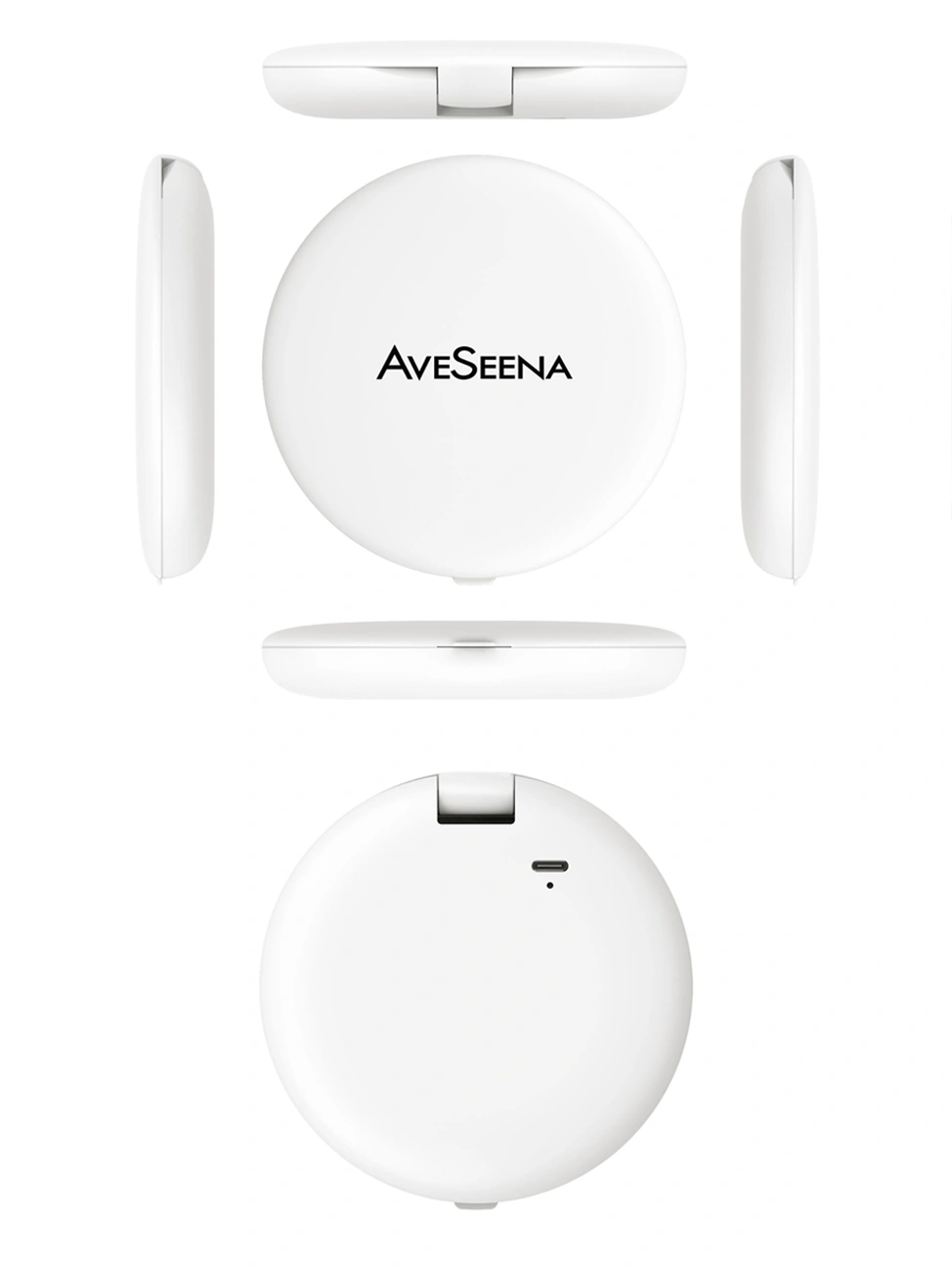





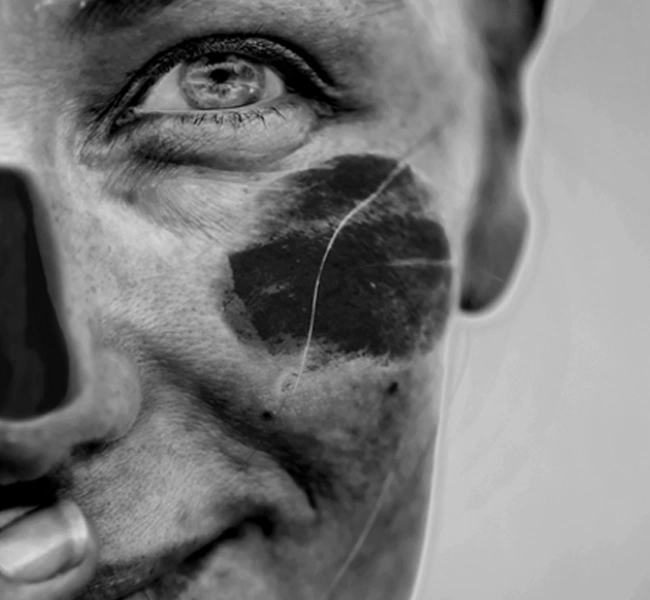


This skincare tool really takes my UV protection to the next level by giving clear, useful insights. It uncovers hidden UV damage I can’t see with the naked eye, so I can proactively take better care of my skin before problems start. The UV camera is especially handy for spotting any missed spots or sunscreen that’s worn off.
Best little gadget for my skin- I freaked out all the UV damage but it helps so much to see all of that. Now I am using my sunscreen daily even when I am in front of the computer. my notes charge it completely before you use it I think first charge takes around 2-3 hours. Then it is good to go! Price is amazing too for all the things you can do with this! Get it now.